Voicemail and sounds
Voicemail, ringtones and blocking for your UK number.
When you can't answer, callers can leave a message after a greeting you record yourself. Ringtones, text tones and ringback are original sounds.

Make your number sound like you
Voicemail
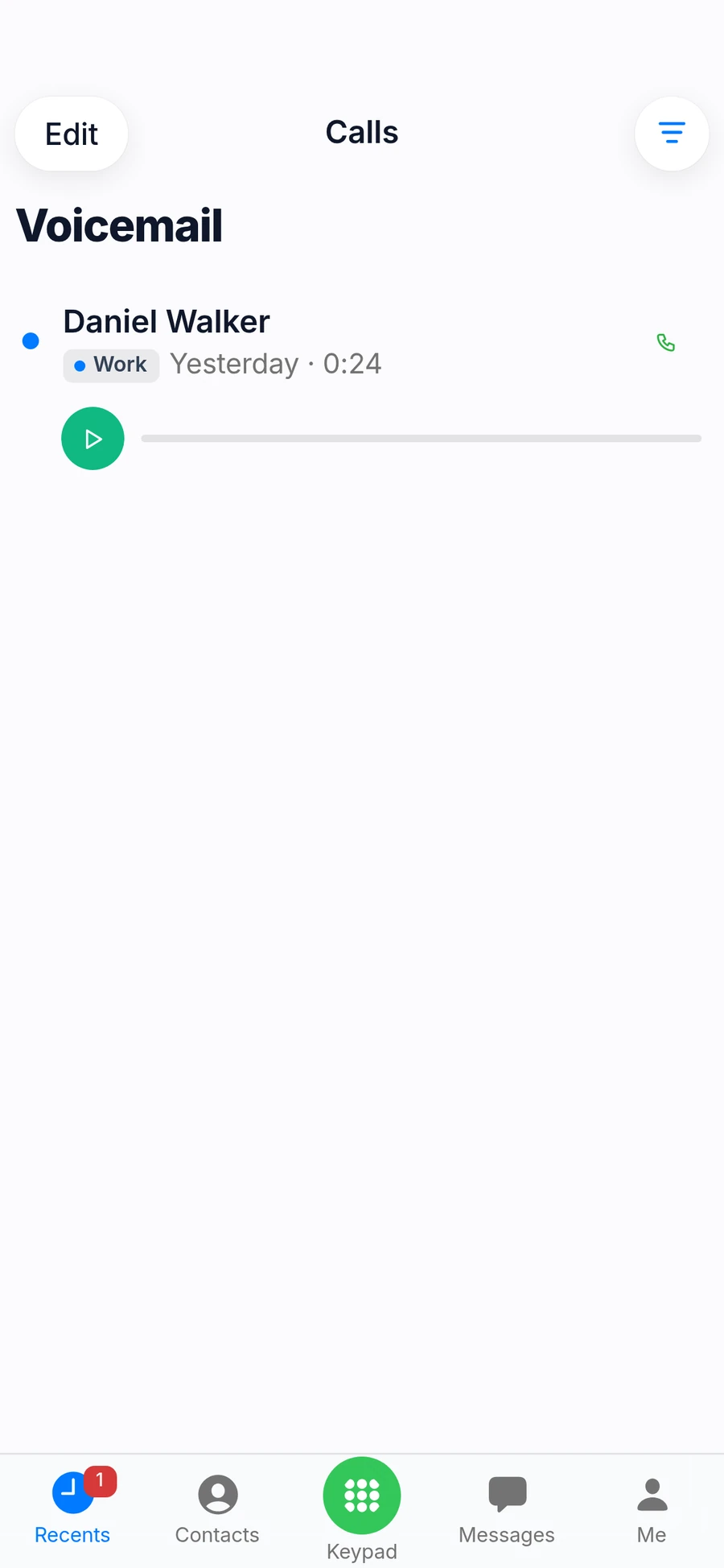
Missed callers can leave a message; tap it in Recents to listen.
Your own greeting
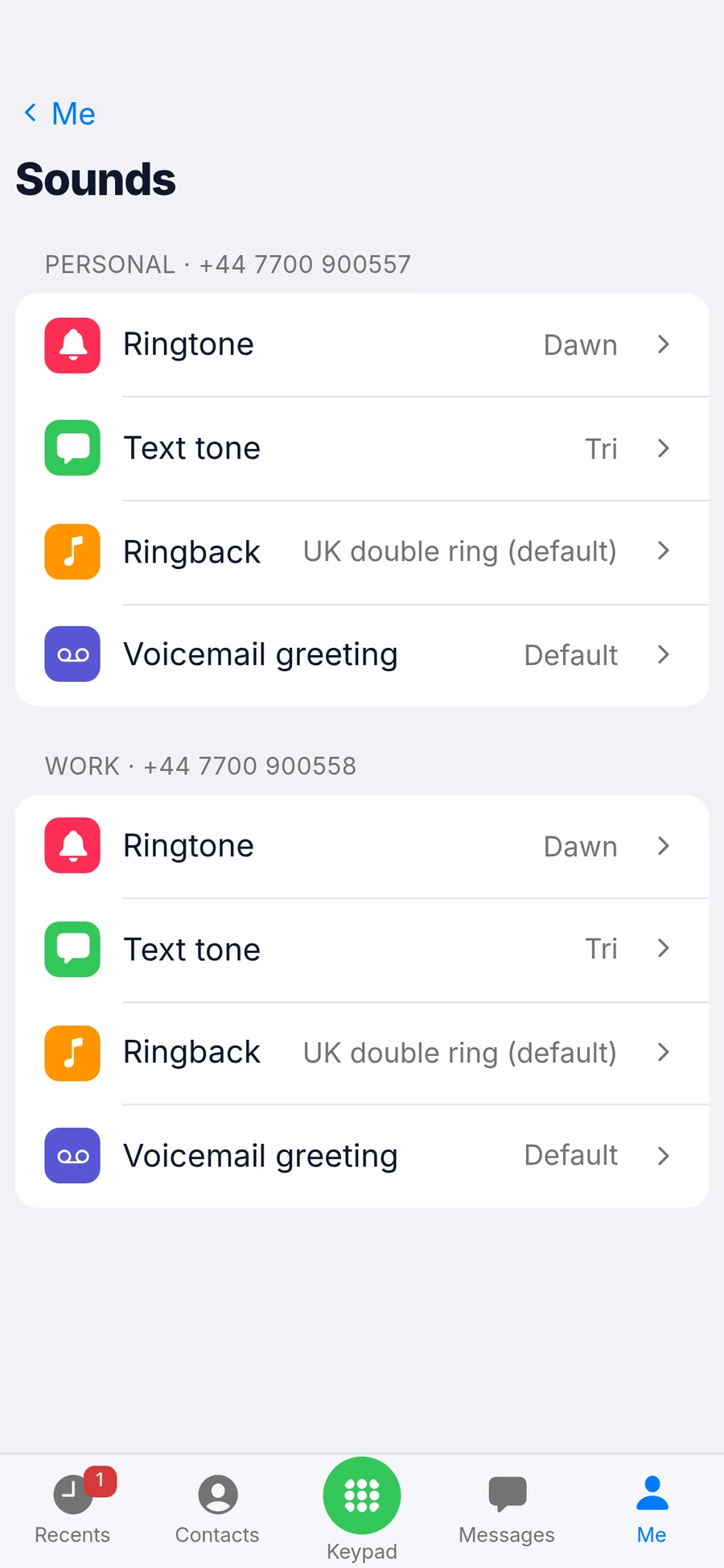
Record a different greeting for each number.
Ringback
Choose what callers hear while your phone rings.
Ringtones per contact
Know who's calling before you look.
Block nuisance calls
Block a number, or a whole range by ending it with *.
New-message badge
New voicemail is marked until you listen.
Voicemail and sounds, in the app
Listen to messages, set your greeting and pick your sounds.
How to set up voicemail
Open Ringtones in the Me tab
Each of your numbers has its own ringtone, text tone, ringback and greeting.
Record your greeting
Tap Voicemail greeting and record a short message, or keep the default one.
Listen in Recents
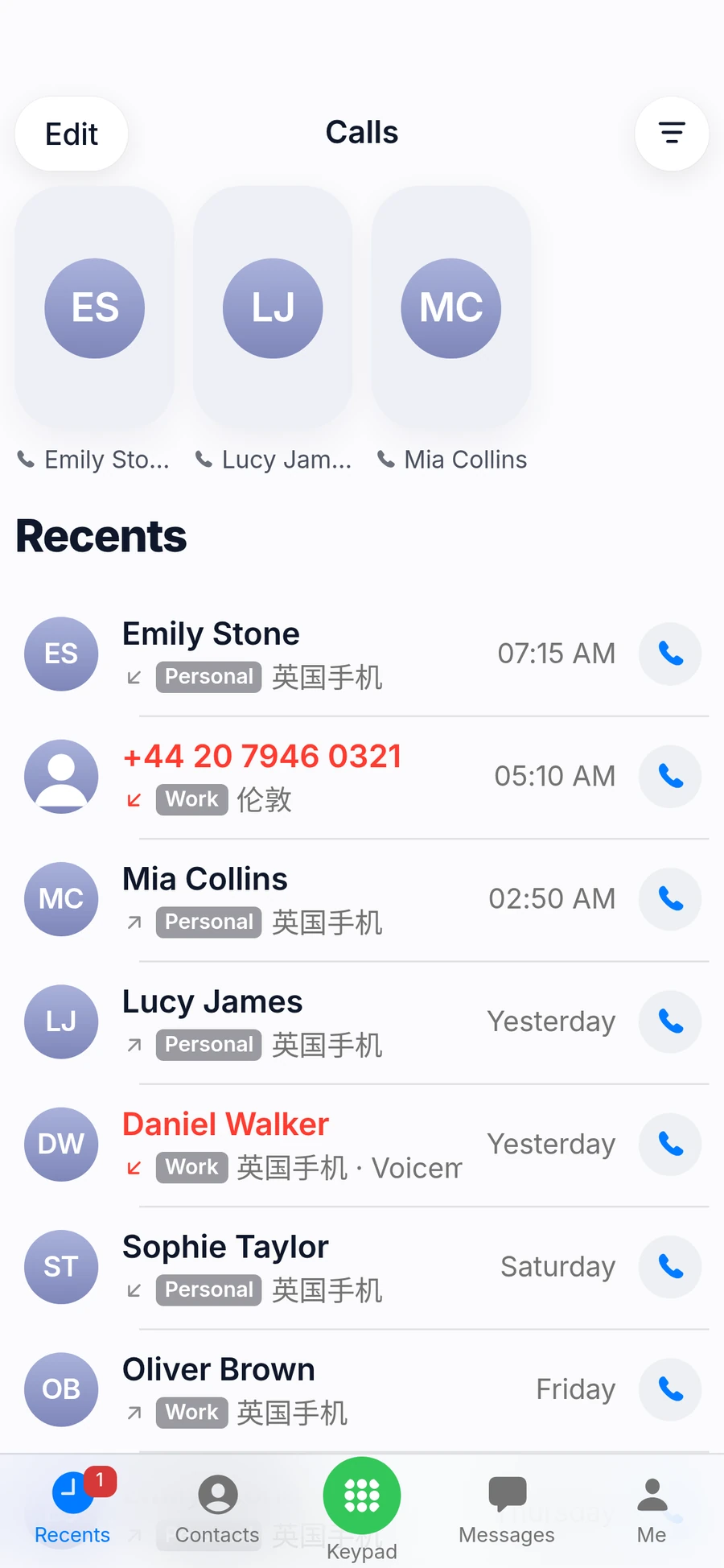
A missed call with a message is marked; tap it to play.
Questions
How do I listen to voicemail?
Missed calls with a message are marked in Recents. Tap one to play it.
Can I record my own greeting?
Yes. Each number can have its own recorded greeting; otherwise callers hear the default one.
Can I block unwanted callers?
Yes. Block a single number, or a whole range by ending the number with *. Blocked callers are rejected without ringing.