Calls
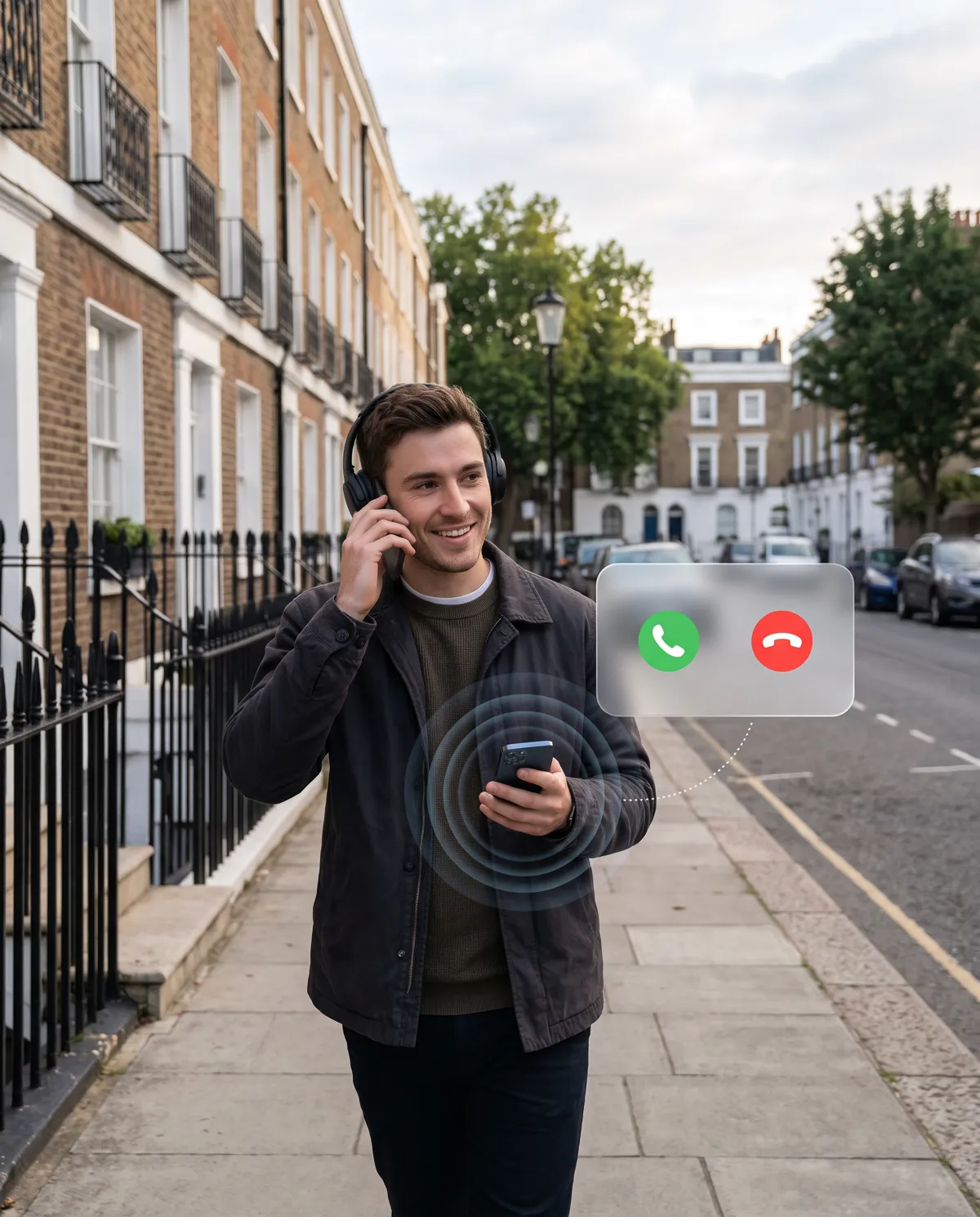
Make and take calls on your UK number, from any browser.
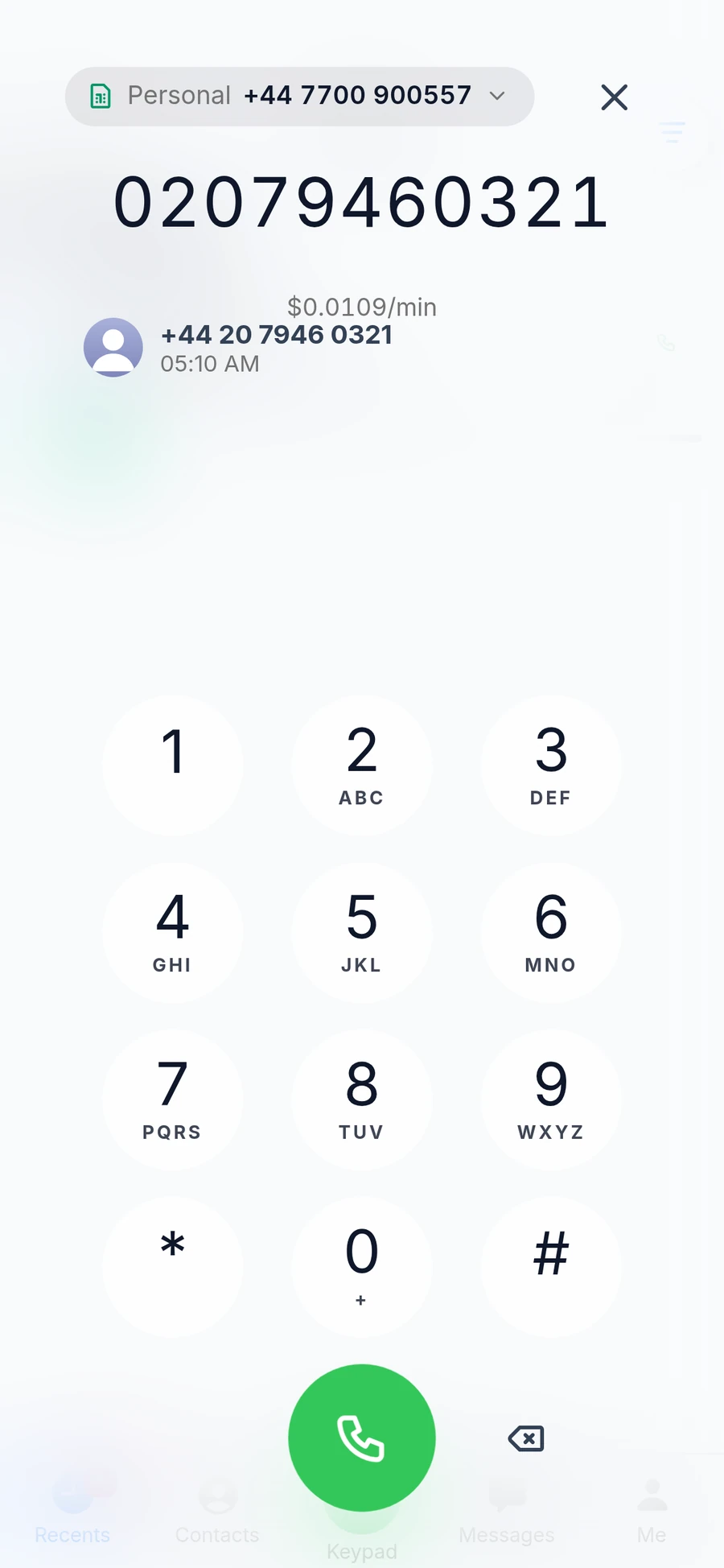
Incoming calls ring in the app with the caller's name and the number they called. Before you dial, the keypad shows the price per minute.
Everything a call needs
Know who's calling
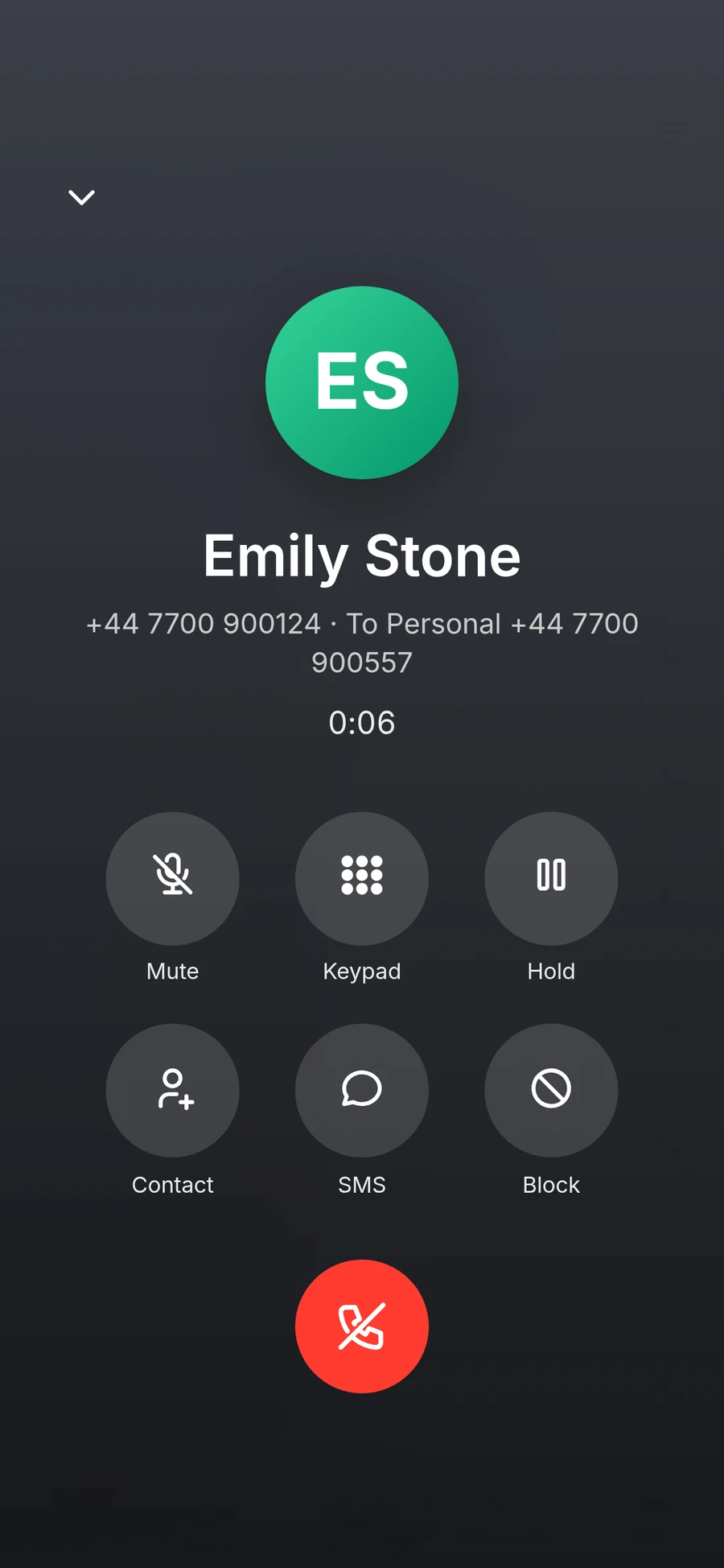
See the contact's name and which of your numbers they called.
See the price first
The keypad shows the price per minute before you call.
The fastest route
The app times our voice servers, uses the fastest and switches if one drops.
In-call controls
Mute, hold and the keypad for menus, like any phone.
Recents
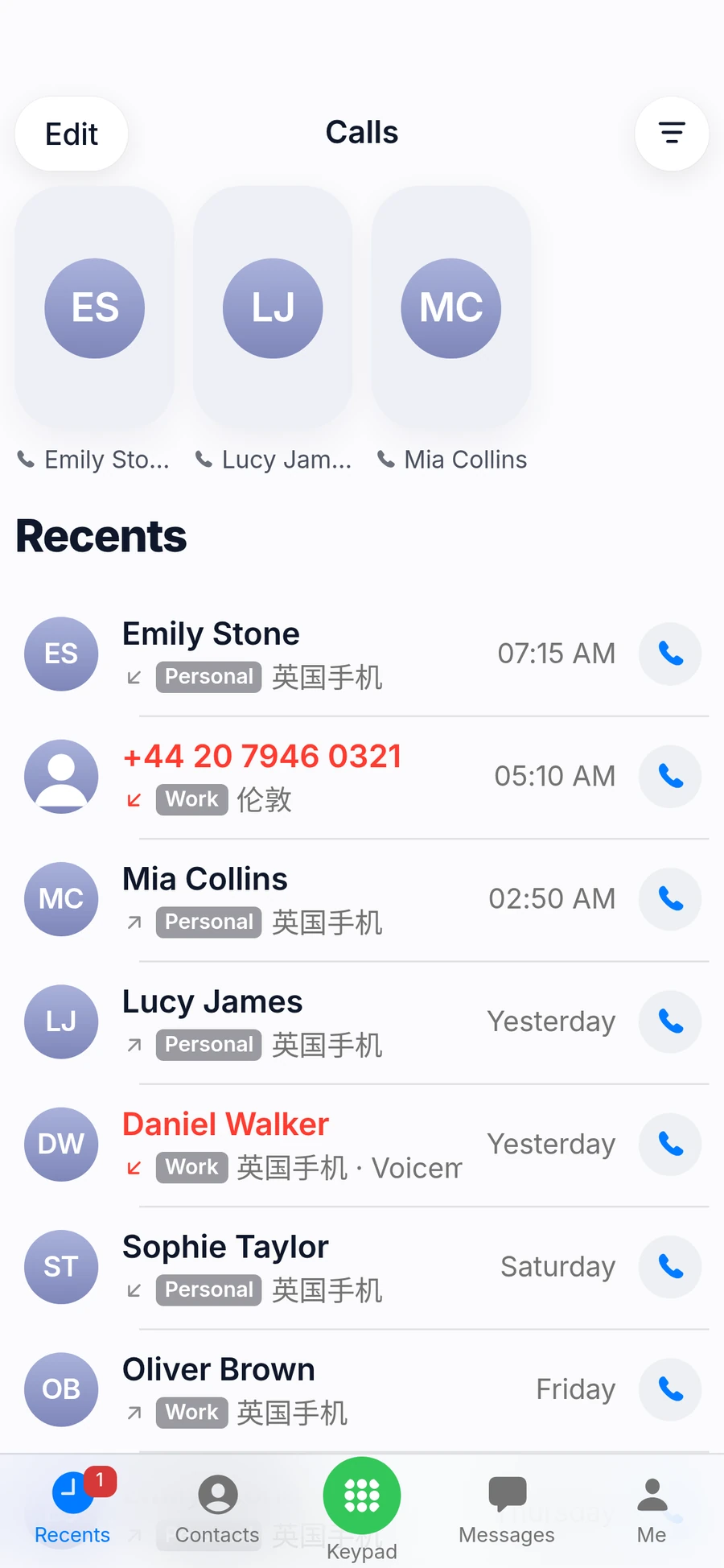
Every call in one list, with missed calls in red and voicemail marked.
Block nuisance callers
Block a caller straight from the call or from Recents.
Calls, in the app
The call screen, Recents and the keypad look and work like your phone's own.
How calling works
Open the app and allow the microphone
The browser asks once. The app then connects to the fastest voice server.
Dial or pick a contact
Choose which of your numbers to call from; the price per minute is shown before you call.
Priced per minute
Each call is charged at its per-minute rate and rounded up to the cent. Incoming calls are free.
Questions
Does it work from mainland China?
Yes, wherever you have internet. The app times our voice servers when it opens and uses the fastest, switching if the connection drops. Call quality depends on your network.
How good is call quality?
Calls go through our voice servers. The app connects to the fastest one and relays through TURN when your network needs it. A stable Wi-Fi or 4G/5G connection gives the best result.
How are calls charged?
Calls are charged at the per-minute rate shown on the keypad before you call, and each call is rounded up to the cent. Incoming calls and calls between Cola Voice users are free.
Can I block unwanted callers?
Yes. Block a single number, or a whole range by ending the number with *. Blocked callers are rejected without ringing.